![EFLogo_Black-1.png]](https://knowledge.edgefactor.com/hs-fs/hubfs/EFLogo_Black-1.png?width=240&height=53&name=EFLogo_Black-1.png)
When you go to www.edgefactor.com, your welcome screen will look like this:

Click the LOGIN button, and you’ll see several different login options appear:
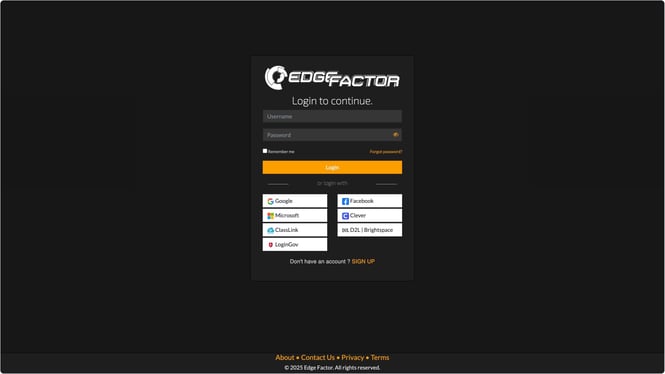
- Type in your username (usually your school email address) and your password.
- Click “Remember me” if you want your computer to save your login information.
- Then click the orange Login button.
- Now you can access all of Edge Factor’s content!
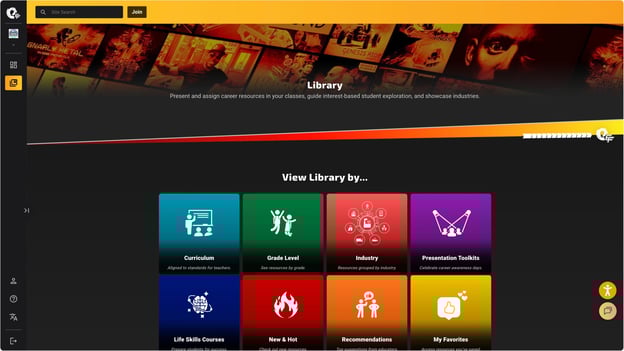
Please note: Paid memberships get full access to all content, while free memberships have limited access.
Need Help?
Use the chat icon in the bottom right corner, or send us an email at support@edgefactor.com